August 13, 2026 · By Matt Kosovec, CEO of DataForge
From vibe coding to guiding agents: a field story
A field story from a recent customer engagement: the pilot that shaped the DataForge MCP server, and the expansion where a smart newcomer with no data engineering experience built what used to require a specialist.
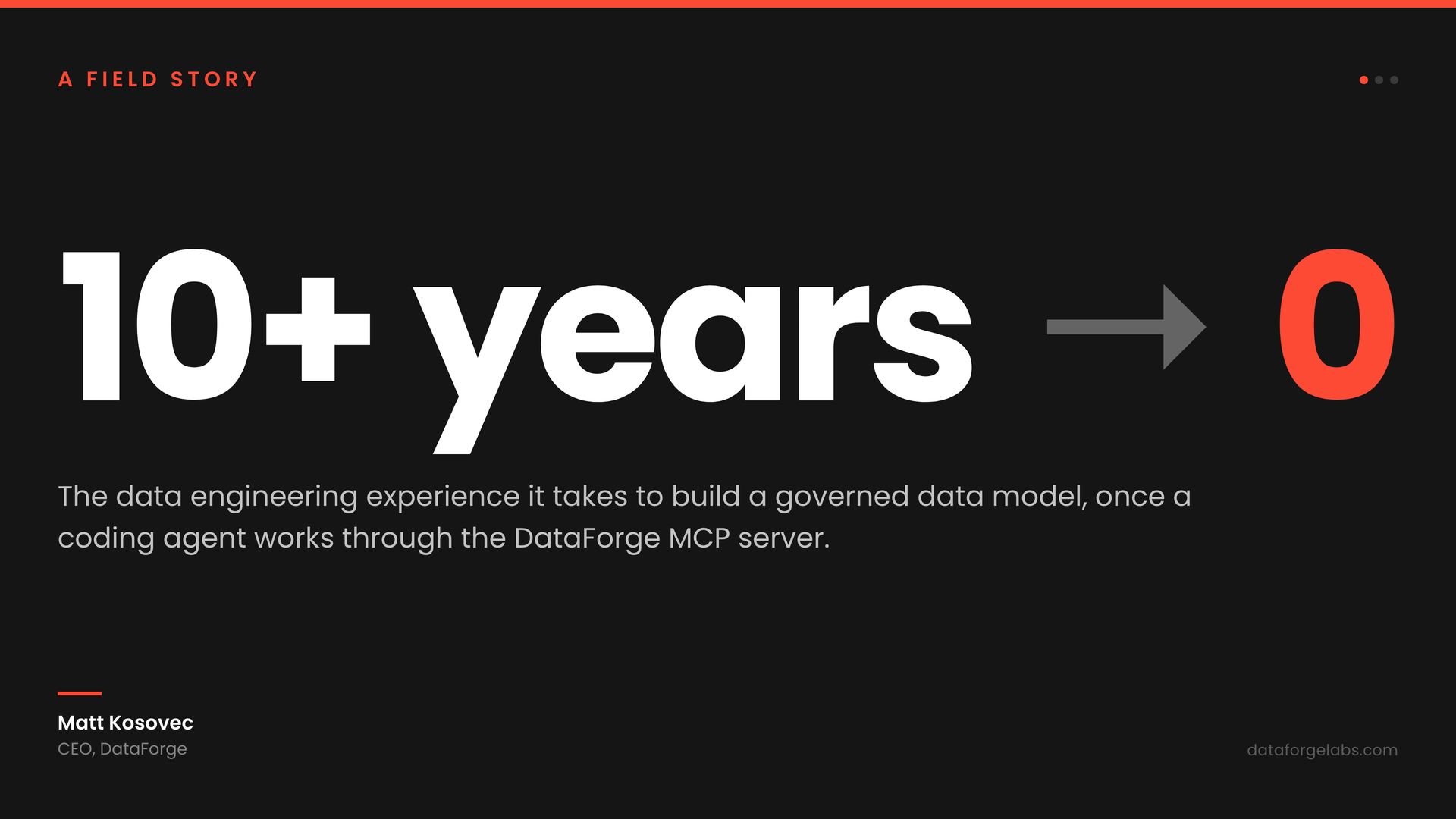
This is a case study from a recent customer engagement - the project that convinced us the DataForge MCP server changes who can build a data platform, and the one that shaped most of what we shipped in 10.3.
The client is a global manufacturing company with multiple brands and one parent company. Their data spans 11 years of history, 82 countries, more than 5,000 customers, and four enterprise resource planning (ERP) and customer relationship management (CRM) systems.
How we normally build, and the experiment that started this
Developers normally build in DataForge through our web UI, where we have almost a decade of automation refined for experienced users. Alongside it sits our YAML configuration language for teams who prefer to work in code. Both assume a person at the keyboard, and both work well for that person.
When coding agents got good, I wanted to see what they could do with our platform, so I ran an experiment that deviated from the normal developer flow: build a real reporting model in raw YAML with a coding agent helping, on a live customer project. It took about twelve hours and the result only half worked. The language was not the problem, however - the agent had to learn our entire framework from me while it worked, and I spent most of the time holding the project structure and the order of operations in my head so I could feed it the right instructions.
So I spent about an hour throwing together a command-line tool with an MCP server layered on top, and built through that instead. MCP is the Model Context Protocol - the standard way an outside coding agent talks to a platform. Two more hours of building through that produced something considerably better and broader than the twelve hours by hand, covering an entire ERP’s worth of sales data. That result is what pulled this tooling into a real pilot.
The ERP and what we had to work from
The pilot targeted an AX2012 ERP (Microsoft Dynamics AX 2012): 52 source tables connected by 72 application-level relations, 6 subledger branches across 2 AX instances, with wide tables running 150 to 200 columns each.
Our starting documentation was an extract of the code behind years of Power BI reports, plus the notes that had been assembled alongside it. From there, we did the normal first step of any data engineering project: data discovery - digging into the source systems to find the lowest level of detail available and decide how best to represent it in the target data model.
The before picture
The client’s reporting rested on one Power BI report built over a 33-table semantic model. Somebody refreshed every source by hand, re-imported fifteen of those 33 tables out of Excel, and kept each of the big tables alive as a stack of 13 or 14 separate queries.
That setup answered real questions for years, and the people who maintained it understood their business in detail. It already reached more than one ERP. However, it could not go below the invoice header, so every question about what sat underneath an invoice came back to a person and a spreadsheet, and the whole thing had grown past what one team could reasonably build and maintain. That was the problem we were asked to solve.
The pilot
As is normal with every new project, we immediately hit a challenge just getting connected to the first system. The client’s database server was old enough that it had no options for secure connectivity with modern JDBC or ODBC drivers. The workaround was to stand up a modern SQL Express instance next to it and bridge into the old server through a linked server - which worked, but the keys and relationships that are enforced in the database did not come across the bridge, so we had to infer the schema’s connections ourselves. Finding the root cause and hacking that solution together is what consumed the first week, completely unrelated to moving or transforming any data.
While it took around 8 days from project start to the first report, only about 2 of them were spent building. The rest was coordination and communication around the connectivity issues.
What came out was a “One Big Table” reporting model serving several levels of detail at once: 498,242 rows and 113 columns, drawing on roughly 68 tables inside the ERP and more than 100 relationships between them, plus 9 spreadsheets of master data, 2 CRM custom objects, and a date dimension. On top of it sat a 4-page Power BI demo with 22 measures.
We delivered it as a pilot, scoped to show what the platform could do. The client then ran their own quality assurance against it and told us the numbers held: one entire stream of sales transactions matched its source system exactly, all 41,278 rows, and the totals reconciled against the Power BI reports people were already using.
What we discovered while building the pilot
As part of the code and data analysis of the existing Power BI reports, and with help from Claude, we found a few errors and misrepresentations in the reports - which we expected. Definitions had drifted over years of maintenance, and some of the logic described the data at a much coarser grain than this project needed, since the goal this time was to reach the transaction-level detail underneath.
This was not Claude being smarter than the people who built those reports. DataForge makes every piece of logic fit one governed structure and checks it on the way in, with automated checks for the errors that actually bite: joins that duplicate rows, unions that do not line up, aggregations at the wrong grain. A relationship built on a wrong join column does not save. The platform surfaced each logical hole as the agent built that piece of logic, the agent corrected itself, and we raised what we found with the client as part of the build.
What we still found frustrating and time consuming
The field mapping from Power BI was extracted with a command-line script run outside the agent, and the early tooling had a bunch of initial bugs I had to hammer out to feed the right context into the model.
I also still had to manually run and re-run jobs from the DataForge UI, because all my attempts at vibe-coding a way for the agent to launch large batches of jobs and clearly understand when they were finished didn’t get off the ground. This meant I was still following the classic dev cycle: vibe code, check the results manually, provide feedback, run and test by hand, iterate. One full cycle of development for a specific domain of data took anywhere from 5 to 25 prompts.
The agent was still incredible and dramatically improved the quality of my work, especially combined with the DataForge framework - but the actual development cycles weren’t massively accelerated. The agent needed so much hand-holding along the way that it ate into any efficiency versus just hand-building in our highly automated UI, where we have almost a decade of tooling focused on experienced developers.
Going all in on the MCP server
That hands-on experience was frustrating and ultimately delivered marginal value - like many developers’ experience with agentic coding in certain frameworks today. But it also made something obvious: we have one of, if not the most declarative coding surface on the market for data engineering, which is exactly the structure an agentic coding interface needs to be amazing. The agents were struggling to engage with our tools, not to reason about the work.
That’s where we saw the problem, and we cut everything else from our roadmap. We had started with a basic CLI, but quickly learned that was the wrong approach - the models needed significant context to work with our tools well, because our framework is an entire combined structure that works together, not just a set of tools for a developer to build with. The prototype became a full MCP server with that context built in, and we deployed a release candidate into the client’s environment before the next phase of the project began. The expansion did not run on my afternoon hack - it ran on the server that ships in 10.3.
The expansion: could a newcomer do it?
The pilot went well enough that the client expanded the engagement, from a handful of systems to all of them, and from revenue alone to revenue and costs so they could see margin.
The expansion also gave us the opportunity to run an experiment, courtesy of a staffing shortage. We needed help, and we had a great candidate lined up who had proven himself hyper intelligent and data literate, but who had no professional data engineering experience and only a base level of SQL. He was the perfect person to put the new MCP server through the wringer, because it would show whether the MCP could provide the architecture and framework context to the agent, rather than the user having to. In other words: could we replace the CEO and co-designer of the entire solution with a very smart but inexperienced person and our MCP server, and get the same work done?
Ten days later we had the answer. The new developer connected the client’s fourth core system, added an entirely new ERP against the pilot’s revenue and sales model, and greatly expanded the model to cover many more metrics and dimensional slicers - expanding both the breadth and the depth of the solution, and taking it from a single-ERP target data model to one that supports any integrated system, including future additions.
He was not handed a finished specification, either. The business set the target columns with the people who knew the domain and the reporting, but a target column is not a complete definition at the grain we were building to, and it does not tell you how to transform the data from where it sits to where it needs to go. The new developer worked that out interactively with the agent, which could query the data itself and raise issues along the way from both a data interpretation and a data structures perspective.
This experience proved to our team and to the customer that building these complex integrations no longer requires deep experience and best-practice knowledge when using DataForge with our MCP server. The architecture and best practices are coded into the core framework, and the many fringes around those foundations are handled by the context the MCP provides. Agents don’t need to make things up or guess - they have an authoritative source of guidance, plus enforced build parameters that prevent a bad agent guided by an inexperienced hand from accidentally building something that works but is poorly built and impossible to maintain long-term.
Where we go from here
With the DataForge MCP server, we believe we’ve cracked the code on eliminating the mechanics between the source system and the target data model, so developers can focus on what the data actually means. The rough edges this engagement exposed became the 10.3 feature list, and the approach has now been proven on a real ERP integration rather than a demo.
The target data model itself is the next problem to solve. That is where a large share of custom developer time, energy, and focus goes today, and we think there is an equally straightforward approach waiting there. Beyond it sits the semantic layer, which today mostly means figuring out what has already been built - a definition we want to flip on its head as well.
The MCP server that ships in 10.3 is the first step, and the full technical picture behind this story is at the DataForge MCP server page.
Ready to try DataForge?
Start with the Community plan — free forever — or talk to our team.